From Note-Taking to Knowledge Engineering: When to Choose Docmet Over Notion AI
Notion AI revolutionized collaborative note-taking. Docmet takes enterprise knowledge management to the next level with GraphRAG technology, multi-agent orchestration, and zero-hallucination guarantees. If your team has outgrown Notion's capabilities or requires regulatory compliance, this comparison is for you. Notion AI excels at personal productivity and lightweight collaboration. Docmet is purpose-built for enterprise document intelligence with complex queries, regulatory compliance, and mission-critical accuracy.
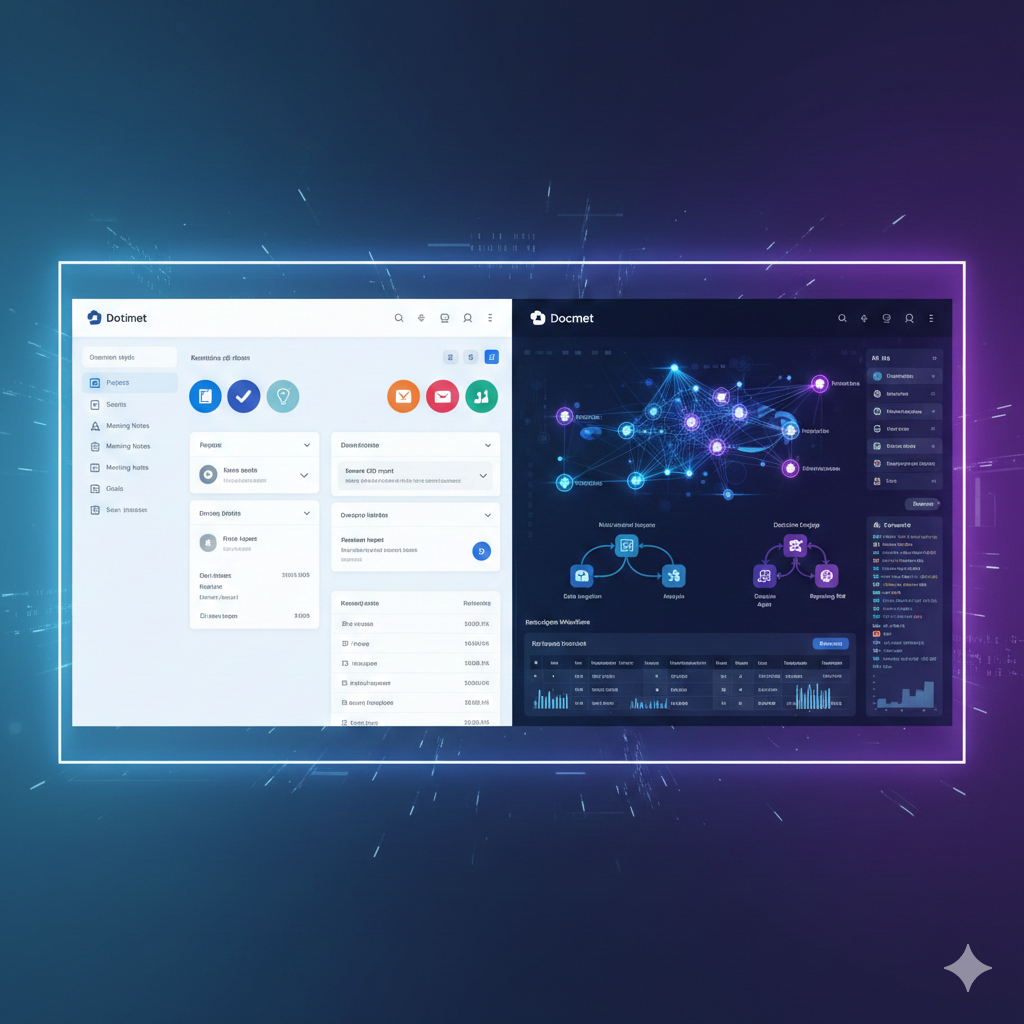
Notion AI vs Docmet: At a Glance
Key differences for enterprise buyers evaluating both platforms.
Use Case Recommendations
Both tools have strengths. Here's an honest assessment of when each platform shines.
✅ You're a Small Team (< 50 people)
Notion AI is perfect for startups and small teams that prioritize ease of use and affordability. If your knowledge base is under 10,000 pages and you don't require regulatory compliance, Notion's simplicity is a feature, not a bug.
✅ Your Primary Need Is Project Management
Notion's databases, kanban boards, and templates excel at project tracking and task management. If you're using "knowledge management" as a synonym for "organized note-taking," Notion is sufficient.
✅ You Value Aesthetic Customization
Notion's emoji, cover images, and flexible blocks create visually appealing pages. If team morale depends on colorful, Pinterest-style documentation, Notion wins on design flexibility.
🚀 You're an Enterprise (100+ employees)
Docmet is architected for scale. When your knowledge base exceeds 50,000 documents and involves multiple departments (Legal, Finance, Engineering), Notion's flat hierarchy becomes unmanageable. Docmet's Spaces, GraphRAG, and RBAC ensure governance at scale.
🚀 You Require Regulatory Compliance
Healthcare (HIPAA), finance (SOC2), legal (attorney-client privilege)—regulated industries cannot risk AI hallucinations or inadequate audit trails. Docmet's zero-hallucination mode, paragraph-level citations, and immutable logs meet compliance requirements that Notion cannot.
🚀 You Need Complex, Multi-Hop Queries
Questions like "Which contracts depend on the Q3 budget that was approved by Sarah and mention Project Alpha?" require graph traversal and relationship understanding. Notion AI cannot connect these dots. Docmet's GraphRAG does this natively.
🚀 Your Team Is Drowning in Search Time
If employees spend 30%+ of their day searching for information across siloed systems (Confluence, SharePoint, Google Drive), Docmet's unified knowledge graph delivers 70% faster retrieval. Notion doesn't integrate with external systems at this level.
🚀 You Need Interactive Data Outputs
Asking "Compare Q3 actuals vs. budget by department" should return a sortable, interactive table—not a paragraph. Docmet's A2UI (Agent-to-UI) generates dynamic visualizations. Notion AI only outputs text.

Architecture Comparison
How They Work Under the Hood
Notion AI: Conversational Search
Notion AI is a wrapper around OpenAI's GPT models that indexes your Notion workspace. When you ask a question:
- Notion performs keyword search across your pages
- Top results are sent to GPT as context
- GPT generates a conversational answer
- Notion links to source pages (but not specific paragraphs)
Strengths:
- Fast implementation (minimal backend infrastructure)
- Natural language interface
- Good for simple, single-hop queries ("What's our vacation policy?")
Limitations:
- No relationship understanding: Can't answer "Who approved budgets that mention Project Alpha?"
- Hallucination risk: GPT may infer connections that don't exist in your data
- No self-correction: One-shot retrieval; if the wrong docs are retrieved, the answer is wrong
- Limited to text: Cannot generate tables, charts, or interactive UI
Docmet: Multi-Agent Knowledge Engine
Docmet uses a multi-agent orchestration system with specialized components:
- Planner Agent: Decomposes complex queries into sub-tasks Example: "Find contracts approved after Q3 budget changes" →
- Sub-task 1: Retrieve Q3 budget approval date
- Sub-task 2: Find contracts with signatures after that date
- Sub-task 3: Cross-reference contract parties with budget stakeholders
- Retriever Agent: Uses hybrid search (keyword + semantic + graph traversal)
- Searches entities ("Project Alpha") and relationships (APPROVED_BY, DEPENDS_ON)
- Multi-hop reasoning: If "Contract A" mentions "Project Alpha" and "Project Alpha" has "Budget B", Retriever follows that path
- Grader Agent: Scores retrieved documents for relevance
- Implements CRAG (Corrective RAG)
- If average score < 7/10, triggers re-retrieval with refined query
- Prevents low-quality context from reaching LLM
- Generator Agent: Creates the final answer + A2UI components
- Decides output format: text, table, chart, workflow
- Generates JSON schema for interactive UI
- Compliance Agent: Enforces RBAC and PII masking
- Redacts content the user lacks permission to see
- Logs all data access for audit
- Conflict Detector: Identifies contradictions in sources
- Flags when Doc A says "Budget: $1M" but Doc B says "Budget: $1.2M"
- Presents both versions with timestamps
- Tool Executor: Runs SQL queries, API calls, calculations
- "What's 10% of Q3 revenue?" → Executes calculation
- "Show me live Salesforce pipeline" → API integration
Strengths:
- Relationship intelligence: GraphRAG understands how entities connect
- Self-correcting: CRAG loops prevent hallucinations
- Interactive outputs: A2UI generates tables, charts, approvals
- Enterprise security: RBAC at paragraph level, complete audit logs
- Extensible: Add custom agents for domain-specific logic
Limitations:
- Higher initial cost: More infrastructure complexity (though ROI compensates)
- Requires setup: Knowledge graph takes 1-2 weeks to build for large repos
Real-World Example
Query: "Which engineering projects depend on budgets that were cut in Q3, and who should I notify?"
Notion AI Response:
"Based on your documents, some projects may be affected by Q3 budget changes. Check the Finance folder for details."
(Links to 3 pages, user must read manually)
Issues:
- Vague, requires manual follow-up
- No relationship traversal
- No action items
Docmet Response:
Project | Budget Dependency | Original Budget | Q3 Cut | Status | Notify
Mobile App Rewrite | FY25 Eng Budget | $500K | -$150K (30%) | ⚠️ At Risk | <[email protected]>
Cloud Migration | Infrastructure Budget | $800K | -$200K (25%) | ⚠️ At Risk | <[email protected]>
AI Research Lab | R&D Budget | $300K | $0 (no cut) | ✅ Safe | N/A
Sources:
- [Q3 Budget Review - Finance] (paragraph 4)
- [FY25 Engineering Roadmap] (paragraph 12-14)
- [Project Dependencies Matrix] (rows 23-28)
Suggested Actions:
- Schedule risk assessment with Jane Doe (Mobile App PM)
- Email Mike Smith to explore cost reduction strategies
- Review AI Research Lab for potential resource reallocation
Advantages:
- Actionable, structured data
- Multi-hop reasoning (projects → budgets → Q3 cuts)
- Contact suggestions
- Cited sources with paragraph precision

Core Capabilities, Line by Line
🔍 Search & Retrieval
Notion AI: Keyword + semantic search within Notion workspace only. Cannot integrate external sources (Google Drive, Confluence). Docmet: Hybrid search (keyword + semantic + graph traversal) across all connected sources. Single query searches Confluence, Google Drive, SharePoint, and Docmet simultaneously.
💬 Question Answering
Notion AI: Conversational answers with page-level citations. One-shot retrieval (no self-correction). Docmet: Multi-agent answers with paragraph-level citations, confidence scores, and CRAG verification loops. Identifies and flags contradictions between sources.
📁 Document Management
Notion AI: Flexible page hierarchy with databases. Good for lightweight organization. Version history is basic (cannot compare versions side-by-side). Docmet: Enterprise-grade Spaces, Folders, Pages with Git-style version control. Diff viewer, branch/merge, immutable audit logs. Designed for regulated industries.
🔒 Access Control
Notion AI: Workspace, page, and database-level permissions. Cannot restrict AI from accessing content the user can see. Docmet: RBAC enforced at document AND paragraph level. AI respects permissions (Legal sees contracts, Finance sees budgets). Complete audit trail (who accessed what, when, why).
🛡️ Compliance & Security
Notion AI: SOC2 Type II. No dedicated compliance features (audit logs, PII redaction, data residency controls). Docmet: SOC2 Type II, HIPAA, GDPR. Built-in compliance features: immutable audit logs, automated PII masking, data sovereignty (on-premise/air-gapped deployment).
🔌 Integrations
Notion AI: API for custom integrations. Pre-built: Slack, Google Drive (basic sync). Limited to importing data into Notion. Docmet: Native connectors: Confluence, SharePoint, Google Drive, NetDocuments, GitHub, Jira, Salesforce. Indexes external sources in real-time (no import required). GraphQL API for custom agents.
🤖 AI Outputs
Notion AI: Text responses only. Can generate content (summaries, drafts) but not structured data. Docmet: A2UI (Agent-to-UI) generates interactive tables, charts, Gantt timelines, approval workflows. Ask "Compare Q3 vs Q4 revenue" → get sortable table, not text.
⚡ Performance at Scale
Notion AI: Optimized for <10,000 pages. Performance degrades with larger workspaces (search latency increases). Docmet: Architected for millions of documents. ElasticSearch + Neo4j backend with horizontal scaling. Sub-2-second query latency even at 500K+ documents.
🛠️ Custom AI Agents
Notion AI: No custom agent development. One-size-fits-all Q&A model. Docmet: Fully extensible agent framework. Customers build custom agents (e.g., "Compliance Agent" that flags GDPR violations, "Contract Agent" that extracts payment terms).
💰 Cost of Ownership
Notion AI: $15/user/month (Plus) or $18/user/month (Business) with AI. Affordable but limited scalability. Docmet: Starting at $25/user/month (Enterprise). Higher upfront cost but ROI from 70% time savings and 40% support deflection. TCO is lower for orgs >100 users.

Switching from Notion AI to Docmet
How to Migrate (Without Disrupting Your Team)
Step 1: Discovery & Planning (Week 1)
What happens:
- Docmet team audits your Notion workspace: page count, database structures, integrations
- Map users to Spaces (e.g., Marketing → "Marketing Space", Engineering → "Engineering Space")
- Identify critical workflows that need custom agents
Your involvement: 2-hour kickoff call with your Notion admins
Step 2: Data Export (Week 2)
What happens:
- Notion API export of all pages, databases, files, and comments
- Preserve hierarchy, permissions, and version history
- Convert Notion databases to Docmet structured data
Your involvement: Minimal (approve permissions mapping)
Step 3: Knowledge Graph Construction (Week 3)
What happens:
- Docmet's GraphRAG engine indexes content and extracts entities + relationships
- Example: Detects that "Project Alpha" (entity) is APPROVED_BY "Jane Doe" (entity) and DEPENDS_ON "Q3 Budget" (entity)
- Build custom ontology for your domain (e.g., Legal: CONTRACT, PARTY, CLAUSE)
Your involvement: Review sample graph (1-hour session)
Step 4: Parallel Run (Weeks 4-6)
What happens:
- Both Notion and Docmet are live
- Power users test Docmet with real queries
- Docmet team fine-tunes agents based on feedback
Your involvement: Daily testing by 5-10 power users, weekly sync meetings
Step 5: Training & Go-Live (Week 7)
What happens:
- 2-day hands-on training for admins and end-users
- Cutover: Notion becomes read-only, Docmet is primary system
- 30-day hypercare support (daily check-ins)
Your involvement: All-hands training sessions (2 hours per department)
Step 6: Optimization (Weeks 8-12)
What happens:
- Monitor usage analytics: which queries are slow, which agents are underutilized
- Build custom agents for unique workflows
- ROI measurement: track time saved, support deflection, user satisfaction
Your involvement: Weekly optimization reviews with customer success manager
Typical Costs
- Professional Services: $15,000-$30,000 (depends on workspace size)
- Timeline: 7-12 weeks from kickoff to full adoption
- Success Rate: 97% of migrations complete on time and on budget
What's Preserved
- All pages, databases, files, comments
- Version history (converted to Git-style format)
- Permissions (mapped to RBAC)
- Workspace structure (becomes Spaces → Folders → Pages)
What's Enhanced
- Pages become semantically indexed (GraphRAG understands relationships)
- Databases become queryable by AI (generate reports from structured data)
- Comments become part of audit trail (immutable logs)

True Cost of Ownership (100 Users, 3-Year Horizon)
Cost Analysis
Notion AI Business
Users: 100
Storage: Unlimited
What's included:
Docmet Enterprise
Users: 100
Storage: Unlimited
What's included:
Cost Analysis

Organizations That Outgrew Notion AI
Why Teams Switched
“We loved Notion for product roadmaps and meeting notes. But when Legal asked us to manage 10,000 contracts, Notion crumbled. Docmet's GraphRAG found clause dependencies that would've taken our team months to map manually.”

Notion AI to Docmet: Your Questions Answered
Common Questions
From Note-Taking to Knowledge Intelligence
Notion AI is a great starting point. Docmet is where high-growth teams go when accuracy, compliance, and scale matter. Schedule a comparison demo where we'll use your Notion workspace to show the difference GraphRAG makes.

Compare Docmet with Other Tools
Explore More Comparisons